Your home, across devices
Your home, always within reach.
Use the same account on your phone, tablet, or computer. Even when you’re away, check device status or ask Noma to adjust the lights and AC.
A home AI agent with long-term memory. Noma learns your preferences and uses them to make smart home control more personal.
A home AI agent that gets to know you.
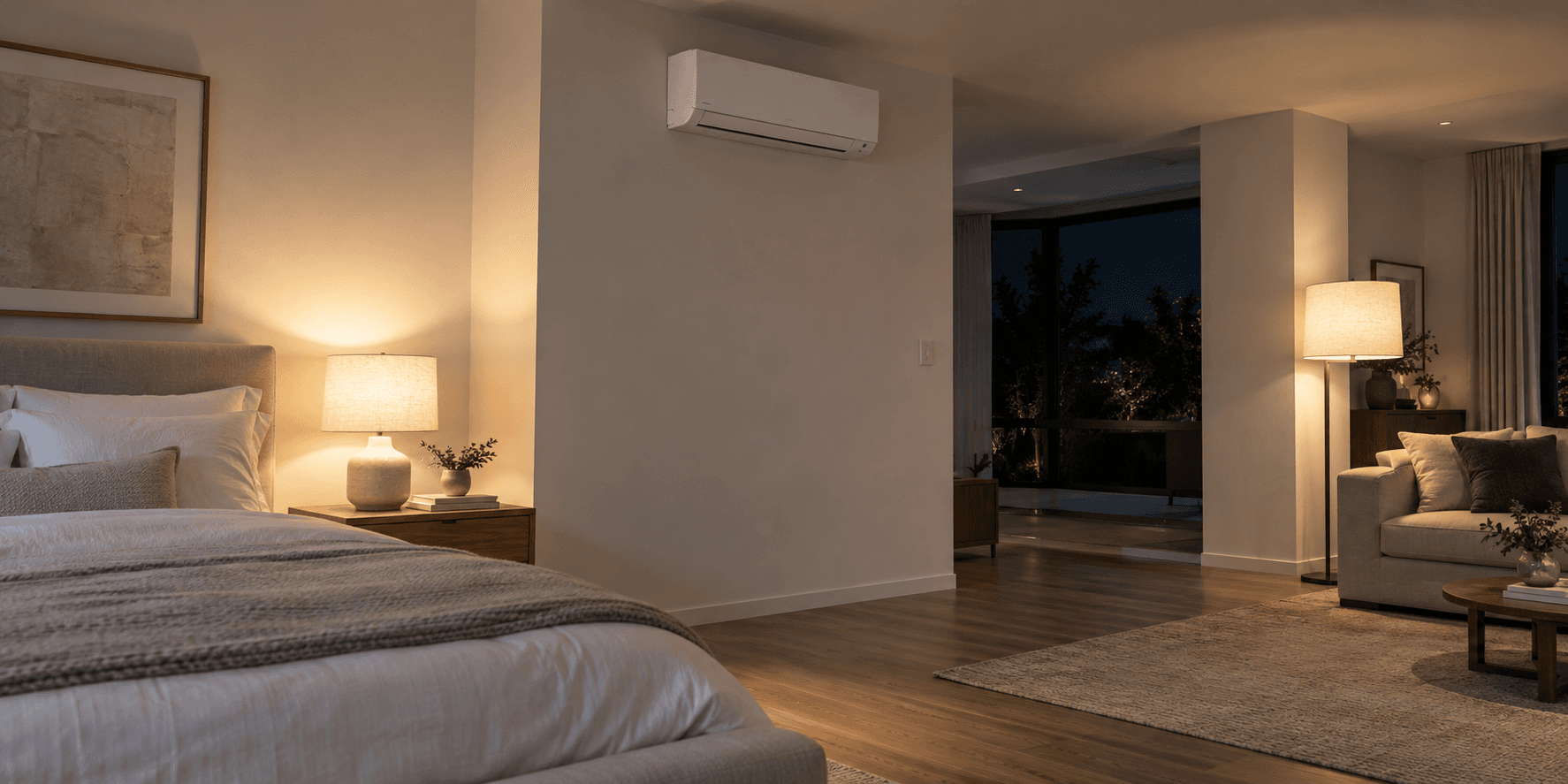
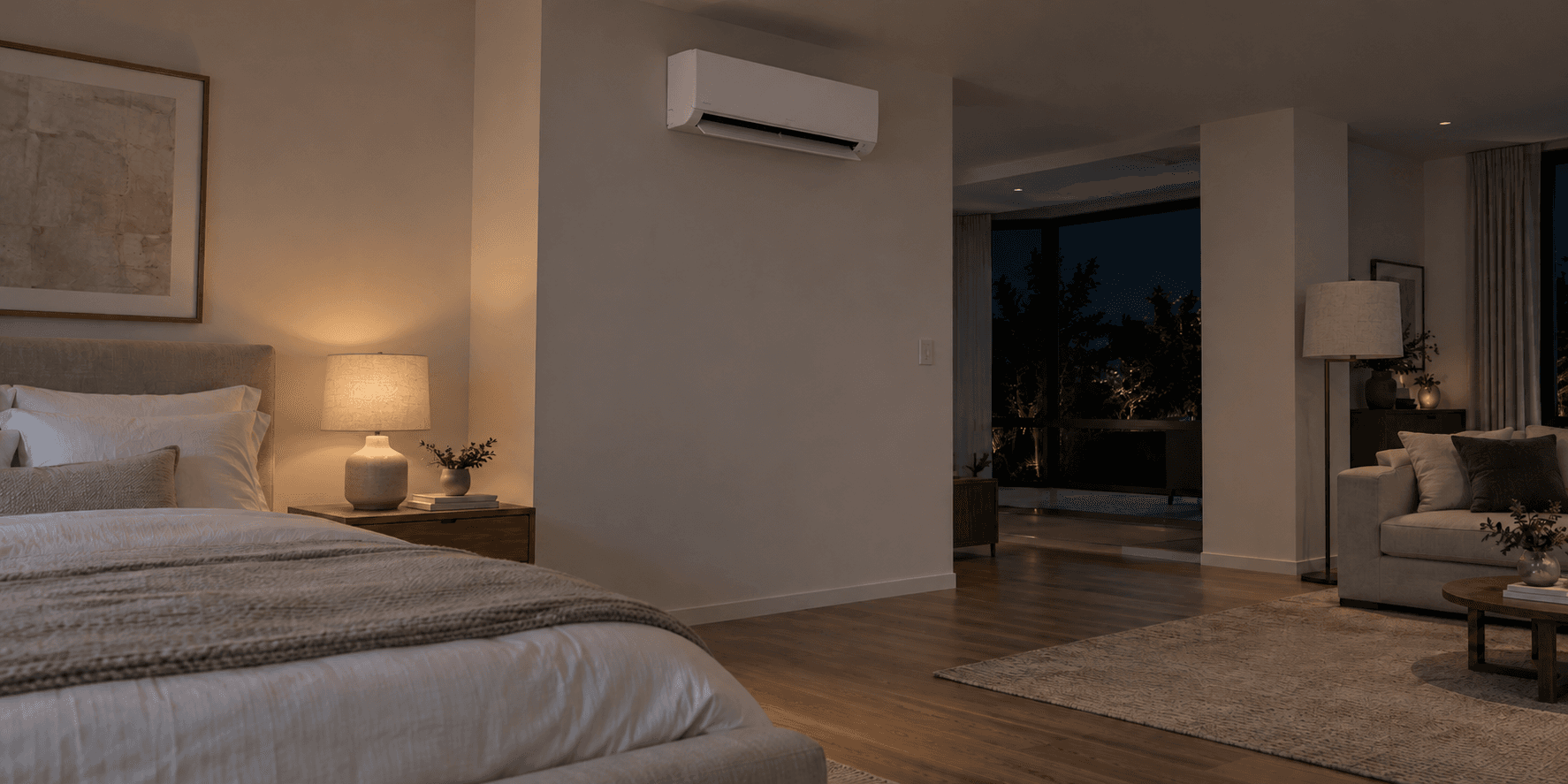
Demo: you say “I’m getting ready for bed.” Noma uses your saved preferences to dim the bedroom light, set the AC to 26°C, and turn off the living room light.
Check on your home from anywhere. Control devices across brands. Let Noma remember your preferences, so you don’t have to repeat them.
Use the same account on your phone, tablet, or computer. Even when you’re away, check device status or ask Noma to adjust the lights and AC.
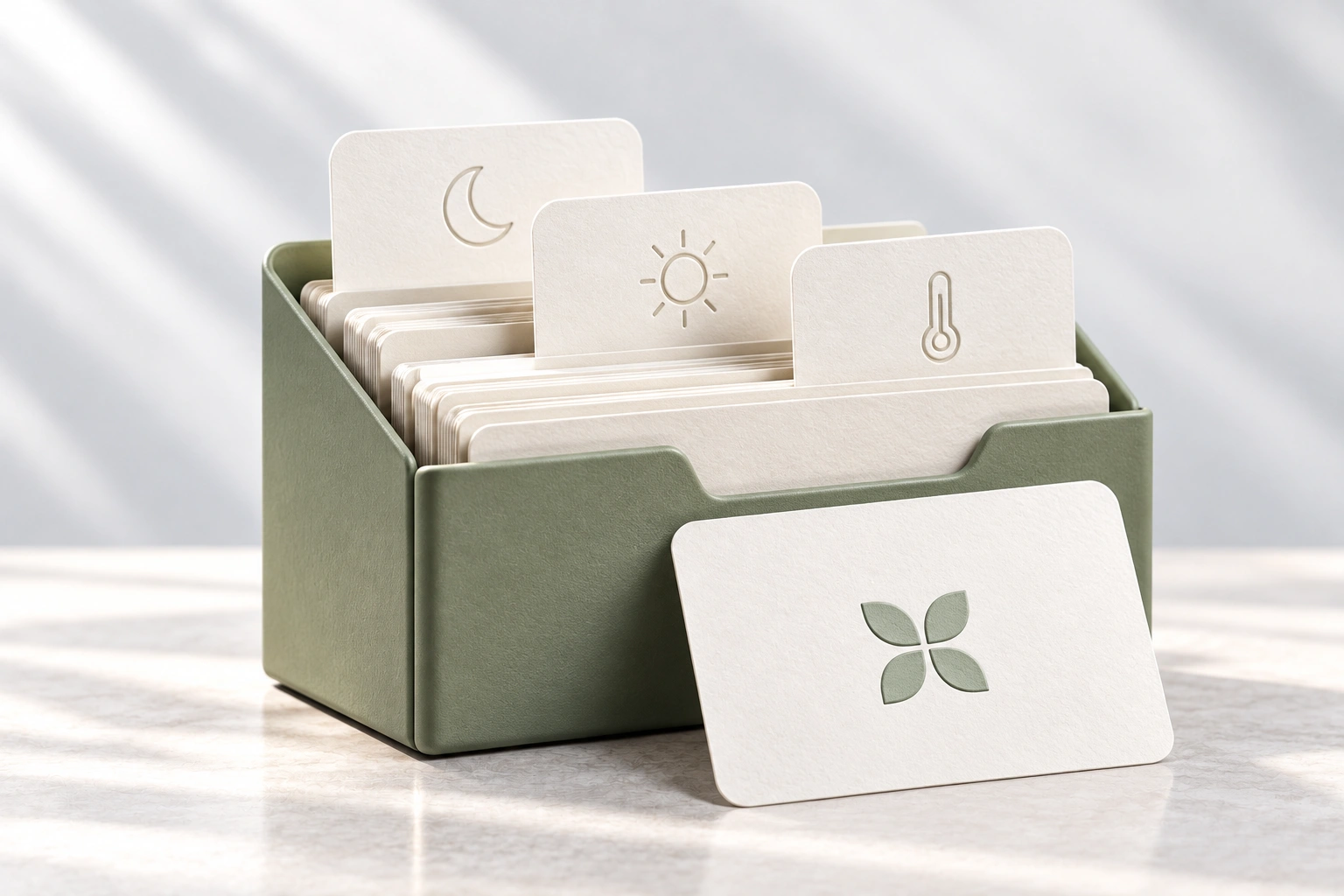 Remembers your preferences
With memory enabled, Noma can remember your preferences and routines. The next time you say “I’m going to bed,” it can use what it knows to adjust the lights and temperature to suit you.
 Mi Home
 Home Assistant
 Tuya
 HomeKit
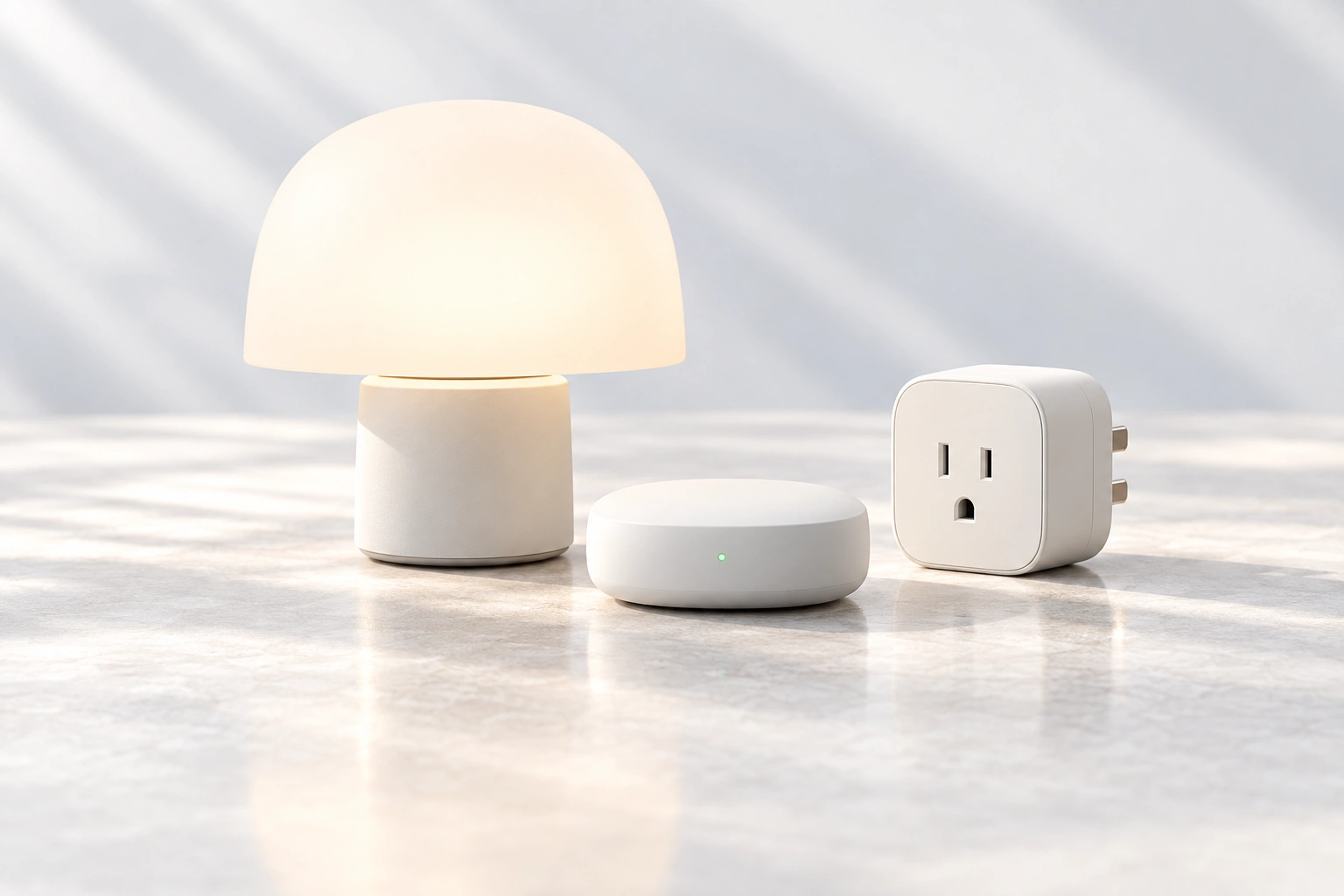
Connect compatible devices from Mi Home, Tuya, HomeKit, and other ecosystems through Home Assistant. Ask Noma to control lights, curtains, and AC across brands.
We’re exploring how Noma could use your routines and home context
to offer useful suggestions or take action at the right time.
We’re exploring a hands-free experience: say “Hey Noma” to start a conversation while you’re cooking, relaxing, or busy around the house.
Our goal is for Noma to recognize everyday situations, consider your preferences, and offer help or adjust your home when it makes sense. This is a direction we’re exploring.
We’re exploring direct connections to more smart home brands, with simpler setup and no Home Assistant required. For now, device control uses Home Assistant.
Choose the setup guide that matches your Home Assistant installation.
Still have questions?
Let us know